What Is a QR Code?
A QR code (Quick Response code) is a two-dimensional barcode that smartphones can scan to instantly open a URL, display text, connect to WiFi, or perform dozens of other actions. First invented in Japan in 1994 for tracking automotive parts, QR codes became a mainstream consumer technology during the COVID-19 pandemic when contactless menus and payment systems became essential. Today, QR codes are used on business cards, restaurant menus, product packaging, event tickets, payment terminals, and marketing materials worldwide.
Static vs Dynamic QR Codes: The Key Difference
There are two types of QR codes: static and dynamic. A static QR code encodes information directly into the pattern of the code itself. The destination URL or data is permanently embedded — it never changes and never expires. A dynamic QR code points to a redirect URL hosted on the QR generator's servers. The actual destination can be changed after printing, but the code only works as long as the generator's servers are running and your subscription is active.
Most paid QR code services sell dynamic codes and charge monthly fees of $10 to $50 per month to keep the redirect servers running. When you cancel your subscription, every QR code you ever printed stops working — on your business cards, your menus, your product packaging, and your marketing materials. This is the fundamental flaw of dynamic QR code subscriptions for most small businesses.
When Static QR Codes Are the Right Choice
For the vast majority of business uses, static QR codes are the better option. If your website URL, contact information, or menu link does not change frequently, a static code is all you need. Business cards, product labels, event flyers, and permanent signage are all ideal candidates for static QR codes. Once printed, they work forever — no subscription, no server dependency, no expiry date.
Dynamic codes make sense in specific situations: digital menu boards where the menu changes daily, marketing campaigns where you need to track scan analytics, or situations where you genuinely need to update the destination after printing. For most small businesses, freelancers, and individuals, these scenarios are rare.
How to Add Your Logo to a QR Code
A branded QR code with your company logo in the center looks significantly more professional than a plain black and white pattern. QR codes use error correction algorithms that allow up to 30% of the code to be obscured or damaged while still remaining scannable. This is why logos can be placed in the center without breaking the code's functionality.
Our free QR code generator allows you to upload your own logo or brand image to display in the center of the code. You can also add a business name or tagline below the QR code for additional branding. The download is always at 512px resolution — high enough for print quality on business cards and flyers.
QR Code Best Practices for Businesses
Keep the destination URL as short as possible — longer URLs create denser, more complex QR patterns that are harder to scan. Always test your QR code with multiple devices before printing. Include a call to action near the code such as "Scan to view our menu" or "Scan to visit our website" — people are more likely to scan when they know what to expect. Ensure adequate contrast between the code and its background — black on white is always the safest choice. Maintain a minimum size of 2cm by 2cm for print materials.
How to Use Our Free QR Code Generator
Our free QR code generator at cookiescursor.com creates static QR codes instantly in your browser. Enter any URL or text, choose your preview size, optionally upload a logo, add a business name below the code, and download as a high-resolution PNG. Your data never leaves your browser — nothing is sent to our servers. The generated QR codes never expire because they contain no server-side redirect. No account required.
Frequently Asked Questions
Do free QR codes expire?
Static QR codes like those generated by our tool never expire. The data is encoded directly in the pattern and requires no server to function.
Can I use a QR code on a business card?
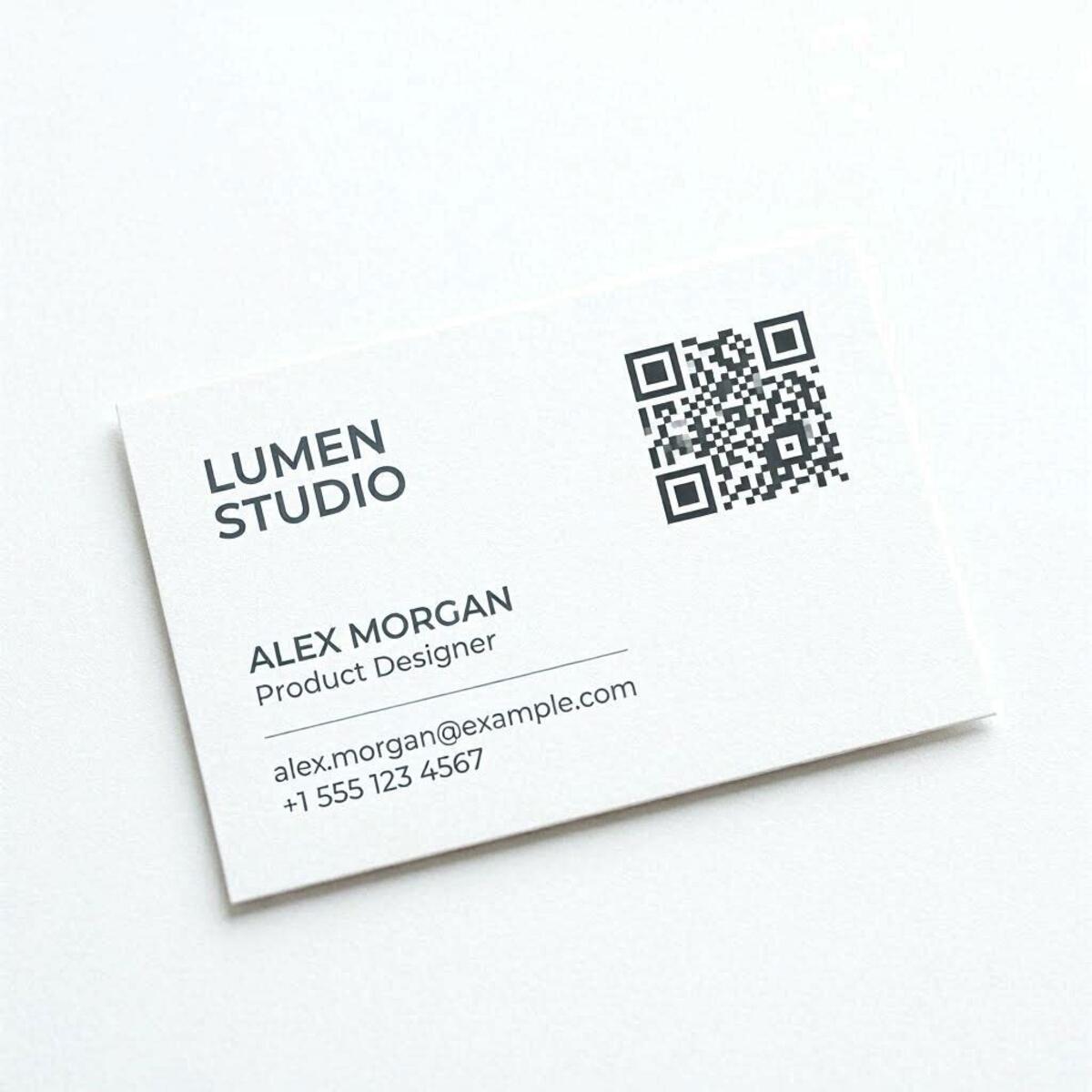
Yes. Download at 512px resolution and your designer or printer can scale it appropriately. Always test scannability before printing in bulk.
How much of the QR code can be covered by a logo?
With high error correction (level H), up to 30% can be covered. Our tool uses level H correction specifically to support logo overlays.
Can QR codes be scanned from a screen?
Yes. QR codes on screens are scanned just as easily as printed ones, making them useful for presentations, email signatures, and digital displays.
What is the difference between a QR code and a barcode?
Traditional barcodes are one-dimensional and store limited data (typically a product number). QR codes are two-dimensional and can store URLs, text, contact information, and more.
Are colored QR codes scannable?
Yes, as long as there is sufficient contrast between the foreground and background colors. Avoid light foreground colors on light backgrounds.
Generate Your Free QR Code Now
Use our free QR code generator to create branded, permanent QR codes in seconds. No signup, no subscription, no expiry.