What Are Regular Expressions?
A regular expression (regex or regexp) is a sequence of characters that defines a search pattern. Regex patterns are used to find, match, validate, extract, and replace text based on complex rules. Every major programming language supports regex — Python, JavaScript, Java, PHP, Ruby, and Go all have built-in regex engines. Regex is used for input validation (email, phone, URL), log analysis, data extraction from text, find-and-replace in code editors, and search functionality in applications.
Basic Regex Syntax
Literal characters match themselves — the pattern cat matches the string "cat" anywhere in the text. The dot (.) matches any single character except newline. The asterisk (*) matches zero or more of the preceding element. The plus (+) matches one or more. The question mark (?) matches zero or one. Square brackets ([abc]) match any one of the characters inside. The caret (^) inside brackets ([^abc]) negates the character class. The pipe (|) is the OR operator — cat|dog matches either "cat" or "dog". Parentheses group expressions and capture matches.
Character Classes and Shorthand
Common shorthand character classes make regex more readable. \d matches any digit (0-9), equivalent to [0-9]. \w matches any word character (letter, digit, underscore), equivalent to [a-zA-Z0-9_]. \s matches any whitespace character (space, tab, newline). Capital versions are negations: \D matches non-digit, \W matches non-word, \S matches non-whitespace. Anchors \b and \B match word boundaries and non-boundaries respectively. ^ at the start of a pattern matches the start of a line. $ matches the end of a line.
Essential Regex Patterns
Email validation: ^[a-zA-Z0-9._%+-]+@[a-zA-Z0-9.-]+\.[a-zA-Z]{2,}$. US phone number: ^\+?1?\s?\(?\d{3}\)?[\s.-]?\d{3}[\s.-]?\d{4}$. URL: https?:\/\/(www\.)?[-a-zA-Z0-9@:%._\+~#=]{2,256}\.[a-z]{2,6}\b([-a-zA-Z0-9@:%_\+.~#?&//=]*). IP address: \b(?:(?:25[0-5]|2[0-4][0-9]|[01]?[0-9][0-9]?)\.){3}(?:25[0-5]|2[0-4][0-9]|[01]?[0-9][0-9]?)\b. Postal code (US): \b\d{5}(?:-\d{4})?\b.
How to Use Our Free RegEx Tester
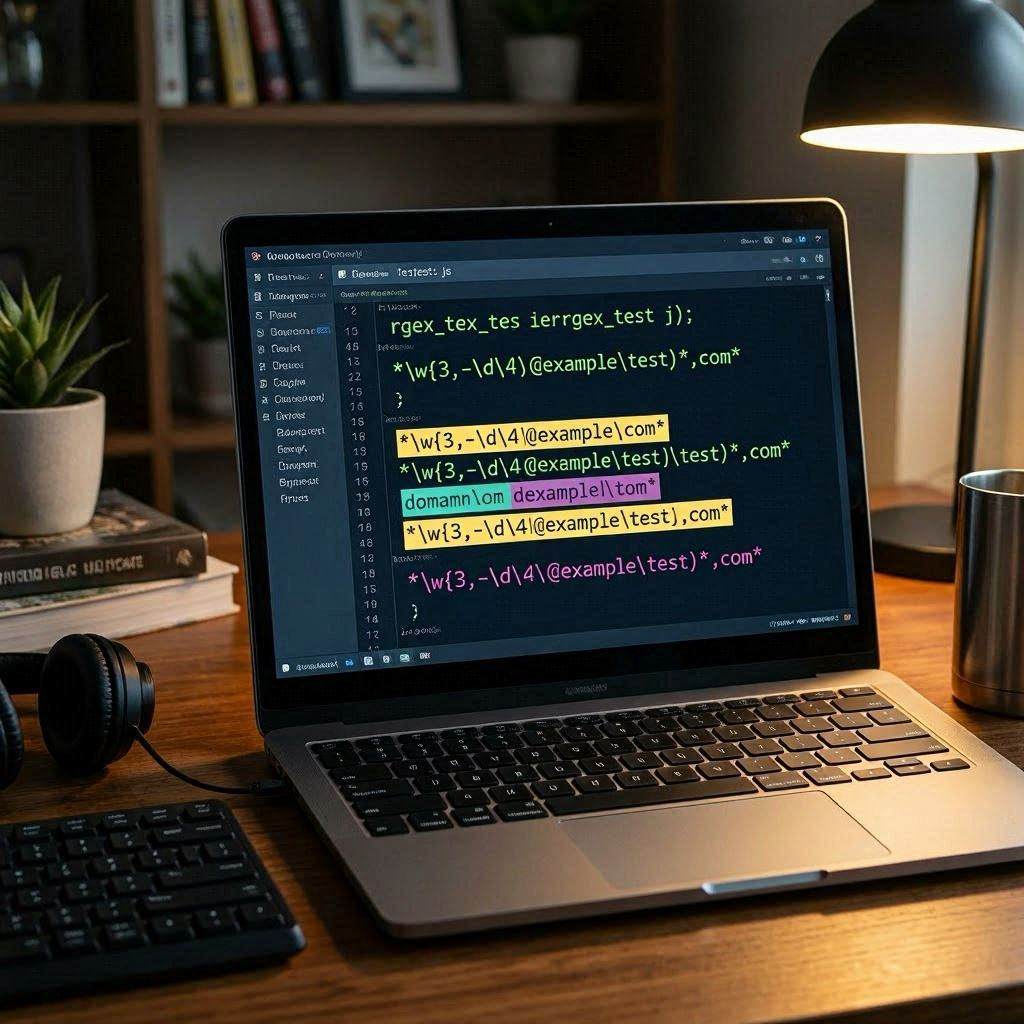
Our free regex tester at cookiescursor.com tests any regular expression against any text with live match highlighting. Enter your pattern, set flags (global, case-insensitive, multiline), paste your test text, and see all matches highlighted instantly. A library of common patterns (email, URL, phone, IP, date) is available for one-click insertion. No signup required.
Frequently Asked Questions
What does the global (g) flag do?
Without the global flag, regex finds only the first match. With g, it finds all matches in the text.
What is the difference between greedy and lazy matching?
Greedy quantifiers (* + {}) match as much as possible. Lazy quantifiers (*? +? {}?) match as little as possible. In HTML parsing, greedy matching of .* between tags can unexpectedly span multiple tags.
Can regex parse HTML?
Regex is not suitable for parsing full HTML documents due to HTML's recursive, context-sensitive structure. Use an HTML parser (BeautifulSoup, DOMParser) for HTML processing. Regex can extract simple, predictable patterns from HTML snippets.
What is a capturing group?
Parentheses in regex create capturing groups that isolate matched substrings. In the pattern (\d{4})-(\d{2})-(\d{2}) matching a date, group 1 captures the year, group 2 the month, group 3 the day.
Why does my regex work in one language but not another?
Regex engines differ in their supported syntax. JavaScript does not support lookbehind in older engines. PCRE (Perl) supports features that basic POSIX regex does not. Test in the target language's environment.
What is the performance impact of complex regex?
Poorly constructed regex can cause catastrophic backtracking — exponential time complexity on certain inputs. This is a real security risk (ReDoS attacks). Avoid nested quantifiers like (a+)+ on user input.
Test Your Regex Now
Use our free regex tester with live match highlighting. No signup required.