What Is Cron?
Cron is a time-based job scheduler in Unix-like operating systems. It enables users to schedule jobs (commands or scripts) to run automatically at specified times or intervals. Cron runs continuously in the background as a daemon and checks a configuration file called the crontab (cron table) every minute to determine whether any scheduled jobs need to execute. Cron is used for automated backups, system maintenance, report generation, data synchronization, cache clearing, and any other task that needs to run on a schedule without human intervention.
Understanding the Cron Expression Format
A cron expression consists of five fields separated by spaces, followed by the command to execute: minute hour day-of-month month day-of-week command. The minute field accepts values 0-59. The hour field accepts 0-23. The day-of-month field accepts 1-31. The month field accepts 1-12 or abbreviated names (JAN-DEC). The day-of-week field accepts 0-7 (where both 0 and 7 represent Sunday) or abbreviated names (SUN-SAT). An asterisk (*) in any field means "every" — all valid values for that field.
Common Cron Schedules
Every minute: * * * * *. Every hour at minute 0: 0 * * * *. Every day at midnight: 0 0 * * *. Every day at 9 AM: 0 9 * * *. Every Monday at 9 AM: 0 9 * * 1. Every weekday at 9 AM: 0 9 * * 1-5. Every Sunday at 2 AM: 0 2 * * 0. First day of every month at midnight: 0 0 1 * *. Every 15 minutes: */15 * * * *. Every 6 hours: 0 */6 * * *.
Special Cron Shortcuts
Most cron implementations support shortcut strings for common schedules. @yearly runs once a year at midnight on January 1st (equivalent to 0 0 1 1 *). @monthly runs once a month at midnight on the first day (0 0 1 * *). @weekly runs once a week at midnight on Sunday (0 0 * * 0). @daily runs once a day at midnight (0 0 * * *). @hourly runs at the start of every hour (0 * * * *). @reboot runs once when the system starts.
How to Use Our Free Crontab Generator
Our free crontab generator at cookiescursor.com creates cron expressions through a visual interface. Select frequency options for each field using dropdowns, or click preset buttons for common schedules. The tool shows a human-readable description of the schedule and the next 5 run times for verification. Copy the generated expression directly into your crontab. No signup required.
Frequently Asked Questions
How do I edit my crontab?
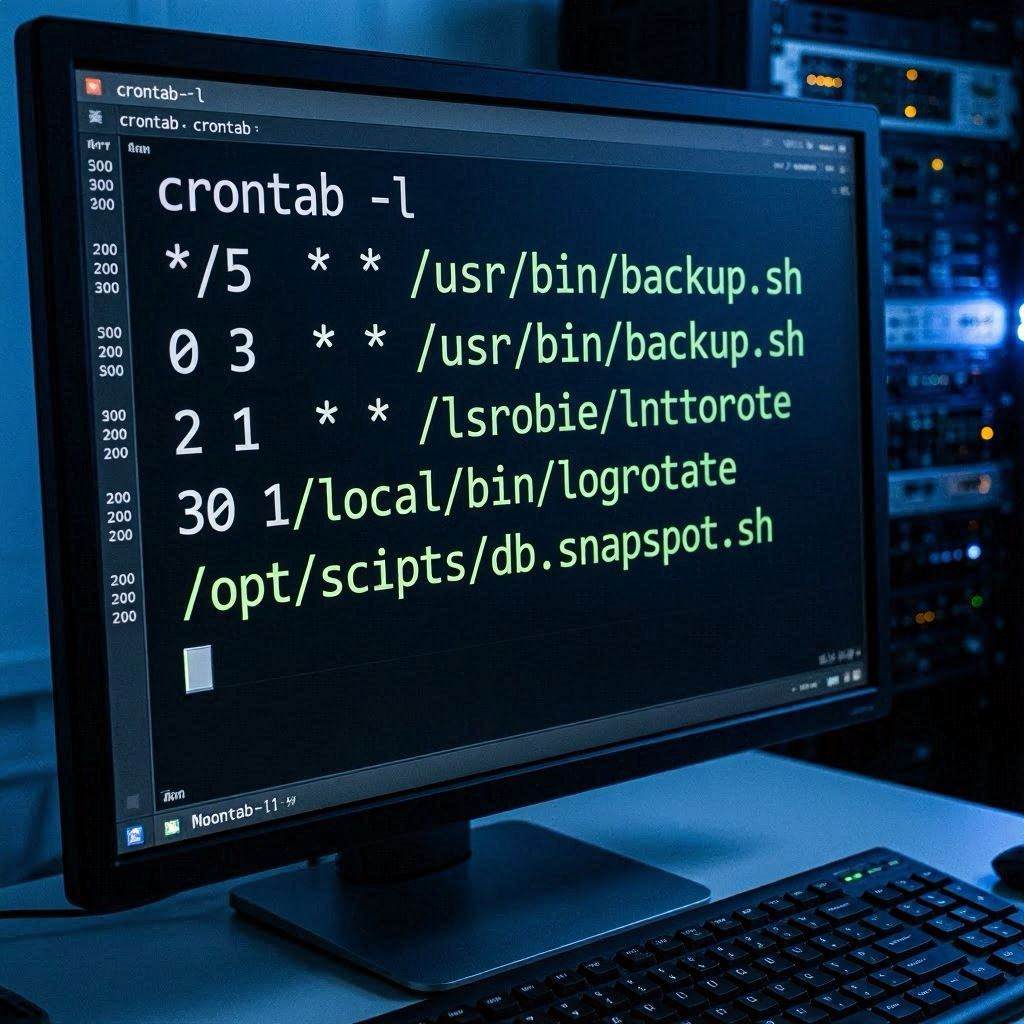
Run crontab -e in the terminal to open the crontab editor. Add your cron expression on a new line, save, and exit. The cron daemon picks up the changes immediately.
What is the difference between user crontab and system crontab?
User crontabs (crontab -e) run jobs as the current user. System crontabs (/etc/cron.d/, /etc/crontab) include a username field and can run jobs as any user.
Why is my cron job not running?
Common causes: path issues (cron has a minimal environment — use absolute paths for commands and scripts), permissions (the script must be executable), output not redirected (errors go to mail, not visible in terminal), and timezone issues (cron uses the system timezone).
How do I see cron job logs?
Check /var/log/syslog or /var/log/cron on most Linux systems. Use grep CRON /var/log/syslog to filter cron entries.
Can cron run at intervals shorter than 1 minute?
No — cron's minimum resolution is 1 minute. For sub-minute scheduling, use systemd timers, sleep loops in bash, or application-level scheduling.
What is anacron?
Anacron is like cron but designed for systems that are not always running. It ensures that jobs scheduled to run daily, weekly, or monthly actually run even if the machine was off at the scheduled time.
Generate Your Cron Expression Now
Use our free crontab generator for instant visual cron scheduling. No signup required.