What Is SVG?
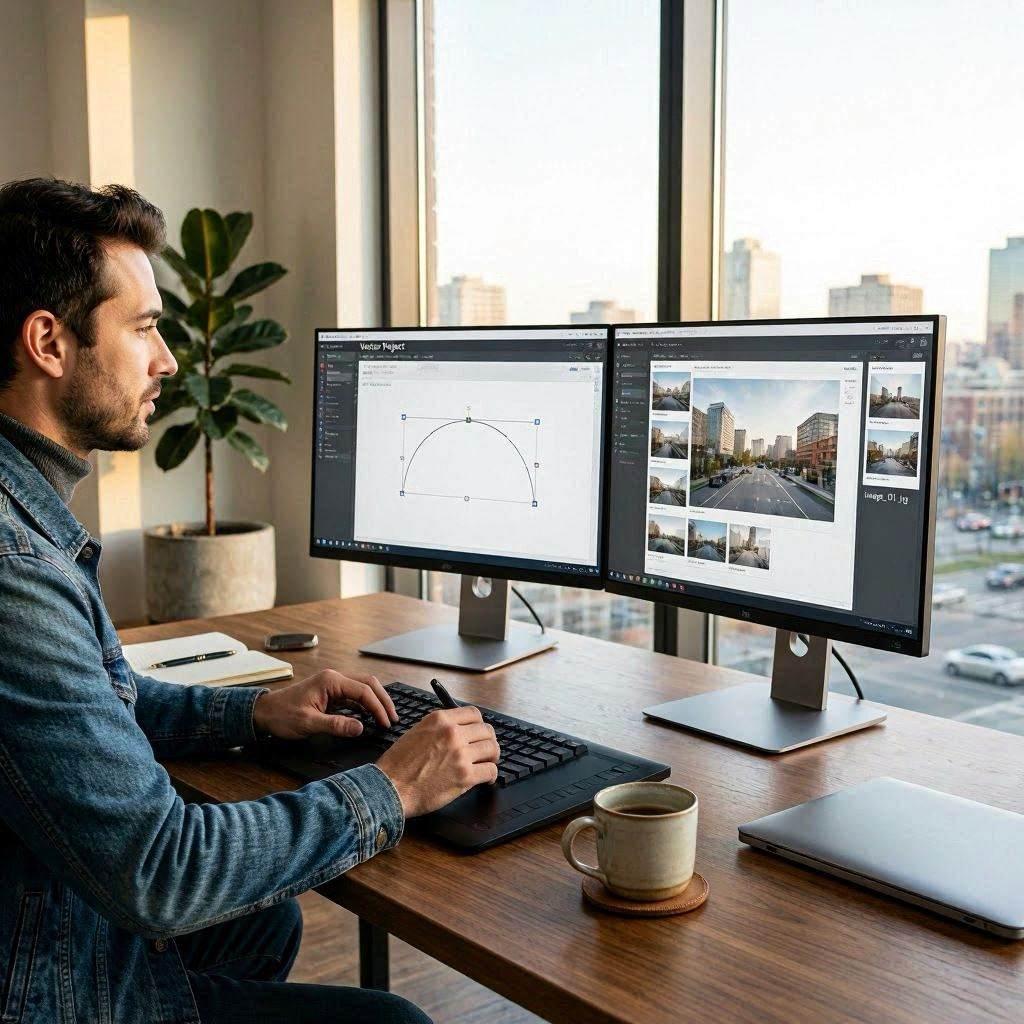
SVG (Scalable Vector Graphics) is an XML-based vector image format. Unlike raster image formats (PNG, JPG, GIF) that store pixel data, SVG stores mathematical descriptions of shapes, paths, and colors. Because SVG is vector-based, it scales to any size without loss of quality — an SVG logo looks equally sharp at 16 pixels and 1600 pixels. SVG files are text files that can be opened and edited in a text editor, embedded directly in HTML, and styled with CSS.
What Is PNG?
PNG (Portable Network Graphics) is a raster image format that stores pixel data with lossless compression. PNG supports transparency (alpha channel), making it ideal for logos and graphics that need transparent backgrounds. Unlike JPG, PNG does not degrade quality when saved repeatedly. PNG files are resolution-dependent — enlarging a PNG beyond its native resolution produces visible pixelation. PNG is universally supported in all browsers, applications, and platforms.
When to Use SVG
SVG is ideal for logos, icons, illustrations, charts, and diagrams that need to scale across different sizes and resolutions. SVG is the preferred format for responsive web design where images must look sharp on both mobile screens and 4K displays. SVG files are typically much smaller than equivalent PNG files for simple graphics. SVG can be animated and styled with CSS and JavaScript — capabilities PNG does not have.
When to Convert SVG to PNG
Despite SVG's advantages, PNG is sometimes required. Email clients have poor or no SVG support — email signatures with SVG logos need PNG versions. Social media platforms typically do not accept SVG uploads. Some older applications and content management systems do not support SVG. Print shops may require rasterized formats for certain workflows. And some graphics are too complex for SVG — photorealistic images are always better as raster formats.
How to Use Our Free SVG to PNG Converter
Our free SVG to PNG converter at cookiescursor.com converts any SVG file or pasted SVG code to PNG at any resolution. Choose from 1x, 2x, 3x, or 4x scale factors, or set custom dimensions. Select a background color or keep transparent. Download the resulting PNG. All conversion happens in your browser — no files are uploaded to our servers. No signup required.
Frequently Asked Questions
Can I convert PNG back to SVG?
PNG to SVG conversion (raster to vector) is called vectorization or tracing. It works well for simple graphics with flat colors but poorly for photographic images. Tools like Adobe Illustrator's Image Trace and Inkscape's Path → Trace Bitmap perform vectorization.
What scale factor should I use for retina displays?
Use 2x for standard retina displays (like iPhone and MacBook Retina). Use 3x for high-density Android displays. For print at 300 DPI, calculate the required pixel dimensions based on the physical print size.
Does SVG to PNG preserve transparency?
Yes, when the background color is set to transparent. Our converter supports transparent PNG output.
Why is my SVG not rendering correctly?
SVGs that reference external fonts or resources may not render correctly in browser-based converters. Ensure fonts are embedded in the SVG or use web-safe fonts.
What is the maximum SVG size I can convert?
Browser-based conversion is limited by available memory. Very complex SVGs at high resolution may require significant memory. For production-scale conversion, tools like Inkscape or Puppeteer are more reliable.
Can I use converted PNG files commercially?
Yes — converting your own SVG to PNG creates no copyright concerns. Ensure the original SVG content is either yours or properly licensed for commercial use.
Convert SVG to PNG Now
Use our free SVG to PNG converter for instant high-quality conversion. No signup required.