What Is a Diff Checker?
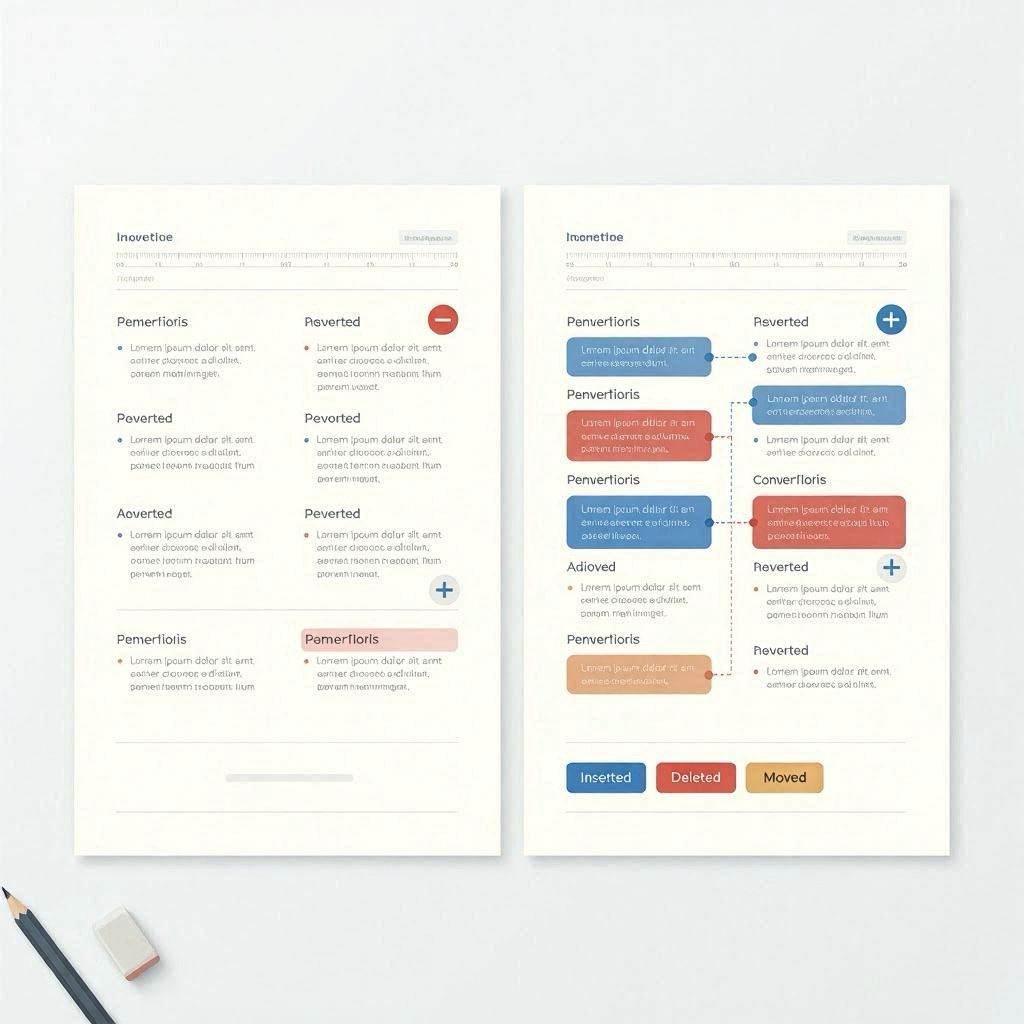
A diff checker (from "difference") is a tool that compares two versions of text and highlights exactly what changed between them. Added content is typically shown in green, deleted content in red with strikethrough, and unchanged content in normal text. Diff tools are fundamental to software development — every version control system (Git, SVN, Mercurial) uses diff algorithms to show what changed between commits. But diff checkers are equally useful for writers, editors, legal professionals, and anyone who works with documents that go through multiple revisions.
How Diff Algorithms Work
The most widely used diff algorithm is the Myers diff algorithm, developed by Eugene Myers in 1986. It finds the shortest edit script — the minimum number of insertions and deletions needed to transform one text into another. The algorithm works by finding the longest common subsequence (LCS) between the two texts and then marking everything not in the LCS as either added or removed. More sophisticated diff tools use semantic diff techniques that understand word and sentence boundaries, producing more human-readable output than pure line-by-line comparison.
Common Uses for Text Comparison
Contract and legal document review is one of the most common professional uses — comparing a revised contract to the original to see exactly what clauses were changed, added, or removed. Academic and editorial use cases include comparing draft versions of articles, essays, or reports to track how content evolved. Software development uses diff tools constantly — comparing code versions before merging, reviewing pull requests, and understanding what changed in a dependency update. Data validation uses diff to compare expected versus actual output in testing environments. Plagiarism detection uses a form of diff to compare submitted work against reference documents.
Line-by-Line vs Word-by-Word Comparison
Line-by-line diff shows which entire lines were added or removed between versions. This is the standard mode in most version control systems and is most useful for code, where lines have semantic meaning. Word-by-word (or inline) diff shows changes within lines, highlighting the specific words that changed rather than marking entire lines as changed. This is more useful for prose documents where a single word change in a paragraph should not mark the entire paragraph as changed. Our diff checker supports both modes.
How to Use Our Free Diff Checker
Our free diff checker at cookiescursor.com compares any two blocks of text and highlights additions in green and deletions in red. Paste your original text in the left panel and your revised text in the right panel, click Compare, and see every difference highlighted instantly. Toggle between line-by-line and word-by-word comparison modes. Statistics show the total number of additions, deletions, and unchanged lines. No signup required.
Frequently Asked Questions
Can I compare code with a diff checker?
Yes. Our diff checker works with any plain text including code in any programming language. For code specifically, line-by-line mode is most useful.
Is my text data safe to paste into an online diff checker?
Our diff checker processes everything in your browser — no text is sent to our servers. For confidential documents, this makes it completely safe to use.
Can I compare PDFs or Word documents?
Our tool compares plain text. To compare PDFs or Word documents, first copy the text content from each document and paste it into the comparison panels.
What does unified diff format mean?
Unified diff is a standard format used by version control systems that shows added lines with + prefix and removed lines with - prefix, along with context lines around each change. Our tool uses a visual highlight format that is more readable for non-technical users.
How large a document can I compare?
Our tool runs in your browser and can handle documents up to several hundred kilobytes. For very large documents, performance may slow on older devices.
Can diff checkers detect plagiarism?
A diff checker shows differences between two specific texts you provide. It is not the same as a plagiarism checker, which searches a database of documents for similarities.
Compare Your Text Now
Use our free diff checker to instantly highlight differences between any two texts. No signup required.